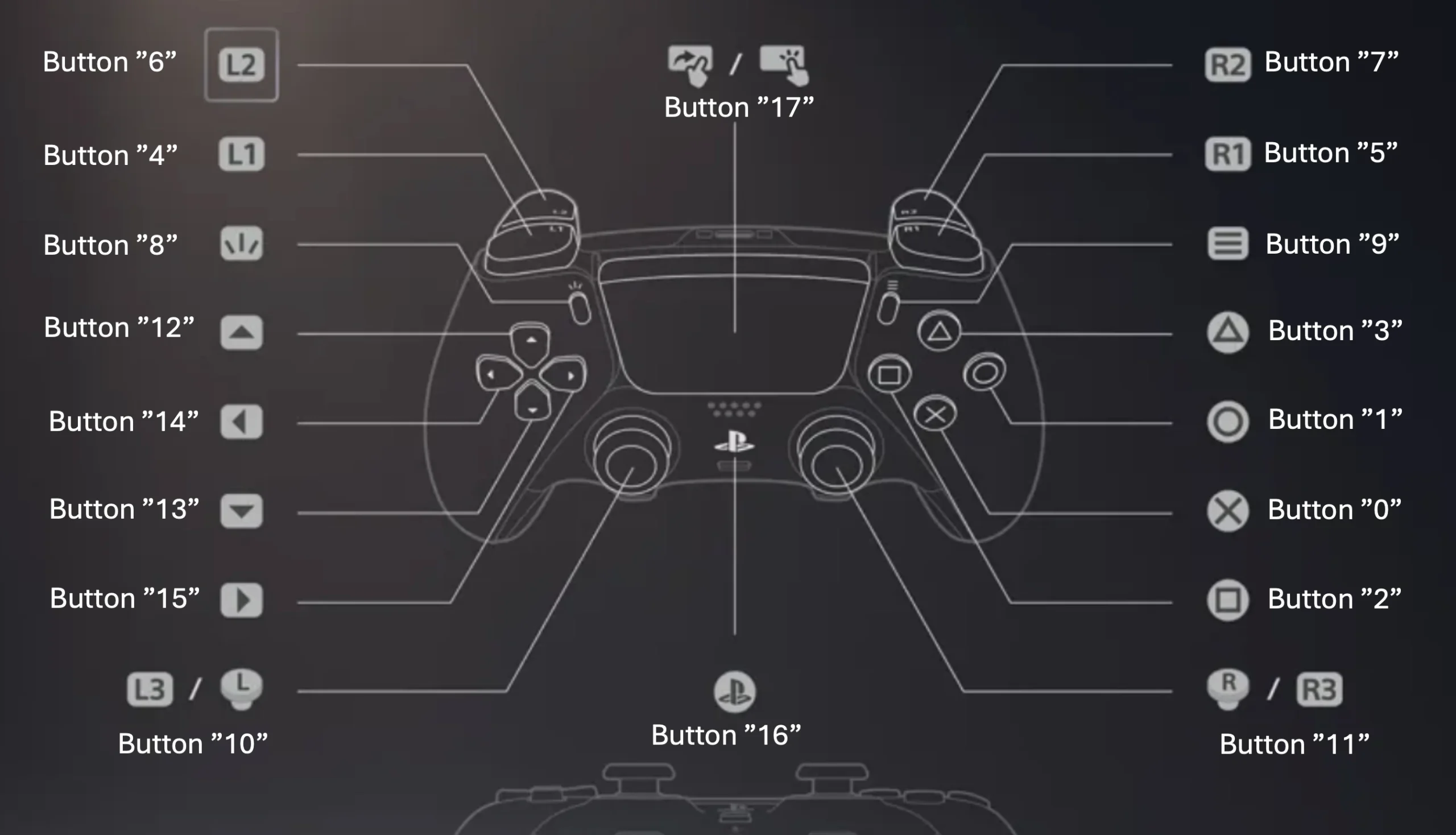
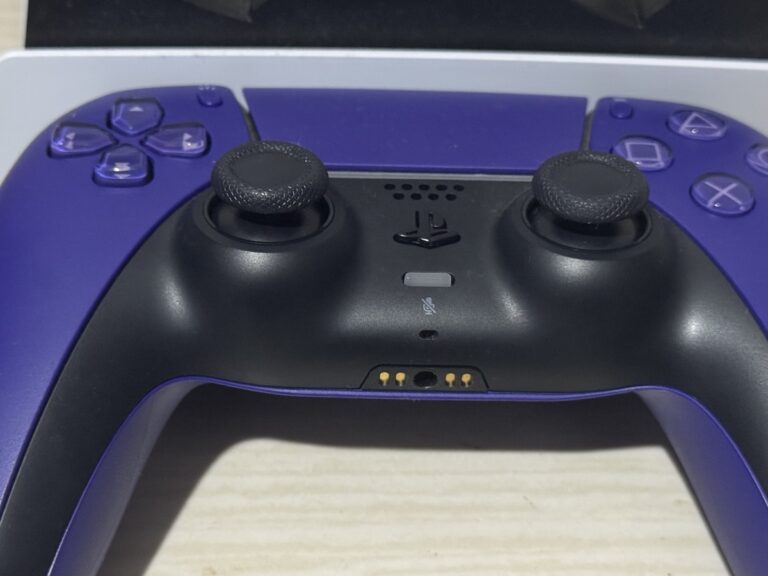
A PS5 DualSense controller tester works by reading the analog stick axis values that modern game controllers continuously send. These values show exactly how far the stick is pushed in any direction, allowing real-time monitoring of movement and precision. By analyzing this data, you can quickly detect issues like stick drift, where the controller registers input even when the stick is untouched. This makes axis reading one of the most reliable ways to evaluate controller health and identify early signs of wear.
Dualsense Tester + Axis Stability Graph
Click start and press a button on your controller
";
gp.buttons.forEach((btn, index) => {
if (btn.pressed) {
output += "Button " + index + " pressed ";
}
});
// AXES TEXT
output += "
Small back-and-forth values like this are normal sensor noise
This happens because:
analog sticks are not perfectly digital
electrical signals fluctuate slightly
deadzone filtering in games hides this
What Is Axis Reading and How It Reveals Stick Drift?
Modern game controllers don’t simply detect whether you move a stick—they measure how far and in which direction it moves using something called axis values. These values are the foundation of understanding controller health, especially when diagnosing stick drift.
Each analog stick has two axes:
X-axis (left to right)
Y-axis (up and down)
These values range from -1.0 to +1.0, where 0.0 means the stick is perfectly centered. For example, pushing the stick fully left might read -1.0, while releasing it should return to 0.0.
What Stick Drift Means
Stick drift happens when the controller reports movement even though the stick is not being touched. Instead of returning to a clean 0.0, the axis might hover around values like 0.05 or -0.08. This small but constant signal is interpreted by games as real movement.
Over time, drift can worsen and lead to unwanted actions such as a character slowly walking, camera shifting on its own, or cursor movement without input.
How Axis Data Shows the Problem
By observing axis values in real time, you can detect drift easily:
Healthy stick: stays close to 0.00
Mild drift: small but consistent offset (e.g. 0.05)
Severe drift: unstable or fluctuating values even when idle
A stability graph makes this even clearer. A good controller produces a flat line near the center, while a drifting stick shows movement spikes or a constant offset.
Why It Matters
Stick drift affects precision in games—especially shooters, racing games, and anything requiring fine control. Even tiny axis errors can lead to noticeable gameplay issues.
Understanding axis readings helps you:
Identify early signs of wear
Distinguish between normal noise and real drift
Decide when a controller needs cleaning, recalibration, or replacement
In short, axis readings turn invisible hardware behavior into visible data—and that’s what makes stick drift detectable.