Last updated: October 3, 2026. Features, plan availability, and privacy settings can change; check the current options inside the ChatGPT app.
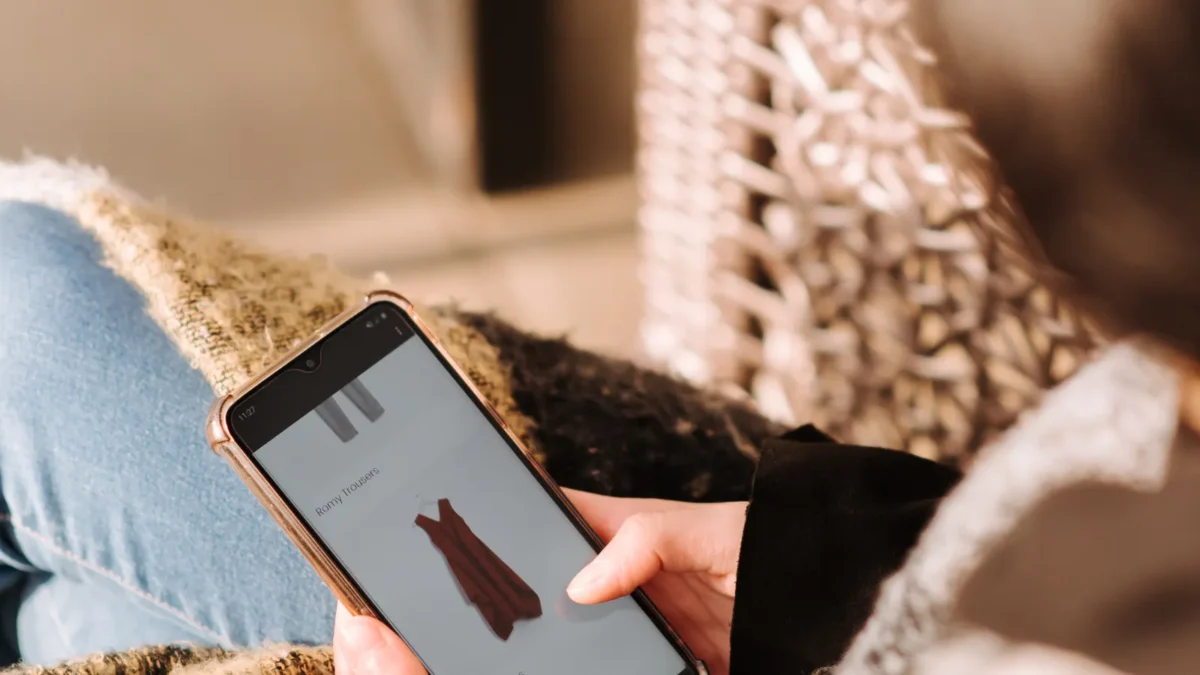
On October 1, 2026, OpenAI announced a virtual try-on feature for ChatGPT. You upload a photo of yourself, tap a “Try On” button next to a clothing result, and ChatGPT generates an image of you wearing the item. It is built on the company’s newly launched Images 2.5 model, which OpenAI says produces more natural lighting and richer fabric textures, and it is rolling out worldwide.
It is a fun feature, but it raises two practical questions: can a generated image really tell you whether something will fit, and what happens to the photos you upload? This guide covers both, based on the launch coverage available so far.
Key Takeaways
- Try On lets you preview clothing and accessories on your own selfie or full-body photo, either from a button in shopping results or by uploading an image of an item.
- It shows style and drape, not true fit. OpenAI is reported to advise checking merchants’ size charts and return policies before you buy.
- One report says reference photos are saved by default and may be used for training unless you opt out, and that you can delete them in Settings. Verify this in your own account.
- Coverage did not specify which ChatGPT plans get the feature, so availability may vary.
How ChatGPT Try On Works
According to TechCrunch and other launch coverage, there are two main ways to use it:
- From shopping results. Ask ChatGPT to find a piece, such as a navy wool coat. A Try On button appears on results. Tap it and ChatGPT applies the item to the photo you provided.
- From your own image. Upload a screenshot or photo of an item from any store, or paste a link, and ask ChatGPT to show it on you.
You can also describe a style and ask ChatGPT to find matching pieces, and save results to a library of favorites to compare later. Launch coverage also mentions identifying outfits from a photo and finding similar products. Google has offered a similar try-on tool for some time, so this puts ChatGPT in more direct competition for online fashion shopping.
What It Can and Cannot Tell You
| Useful for | Not reliable for |
|---|---|
| Color against your skin tone and hair | Exact size and measurements |
| General silhouette and style (cropped vs. long, oversized vs. tailored) | How a fabric stretches, shrinks, or wrinkles |
| Putting together an outfit from several pieces | Quality, stitching, and real-world color accuracy |
| Narrowing a long list of options | Whether a seller or storefront is legitimate |
An AI-generated image is an approximation. Fabric, proportions, and lighting are all synthesized, so treat the result as a style preview rather than a fitting. Before you buy, compare your measurements with the retailer’s size chart and read the return policy. Coverage of the launch notes that OpenAI itself recommends doing this, partly because shopping links surfaced by AI can point to unfamiliar or even fraudulent storefronts.
Privacy: What to Check Before You Upload
Photos of your face and body are sensitive. Android Headlines reports that ChatGPT saves reference photos by default to speed up future try-ons, that personal uploads may be used to improve OpenAI’s models unless you opt out, and that stored photos can be deleted through Settings under Personalization and then Reference photos. Other coverage did not address photo retention at all, so do not assume; open your own settings and read the current wording.
- Review your data controls and decide whether you want uploads used for training before you add a photo.
- Delete saved reference photos when you are done if you do not want them kept.
- Avoid photos that show other people, children, documents, or identifying backgrounds such as a street sign or ID badge.
- Be wary of look-alike apps and links. Only use the try-on feature inside the official app, and do not send selfies to unknown sites claiming to offer the same thing.
Realistic AI images of real faces are also a reason to be careful about who can access your pictures. Our report on AI voice cloning scams and what the FBI’s data shows explains how little source material scammers need, and our article on the IDScan driver’s license data breach is a reminder that sensitive images and documents are worth protecting.
Why It Matters for Online Shopping
Returns are one of the biggest costs in online clothing, and fit is a leading reason people send items back. Try-on tools aim to reduce that by helping shoppers decide before they buy. For retailers and marketers, the shift also means product discovery may happen inside AI assistants rather than on search results or store sites; see our look at what the 2026 holiday ecommerce forecast means for your marketing calendar for how that fits into this year’s peak season. If you shop with an eye on cost and waste, the same tools could also help shoppers evaluate pieces before buying, a theme in our piece on the resale boom and building a wardrobe secondhand.
FAQ
Is ChatGPT Try On free?
Launch coverage did not specify which plans include the feature. Check the ChatGPT app to see whether the Try On button is available on your plan.
What do I need to use it?
A selfie or full-body photo, plus either a shopping result with a Try On button or an image or link of the item you want to try.
Does Try On show my real size?
No. It generates an approximate image. Use the retailer’s size chart and return policy to judge fit.
Does ChatGPT keep my photos?
One report says reference photos are saved by default and can be deleted in settings. Check your own account’s data controls for the current behavior.
Which AI model powers it?
OpenAI’s Images 2.5 model, which it says improves lighting, textures, and instruction following.
The Bottom Line
ChatGPT Try On is a convenient way to preview style and color before you shop, as long as you treat the image as a visual guess rather than a fitting. Before you upload a photo, check your data and photo-storage settings, and always confirm sizing and return rules with the retailer.
Sources: TechCrunch (October 1, 2026), Android Headlines (October 2026), WWD and other launch coverage. This article summarizes press reports and is not an official OpenAI statement.