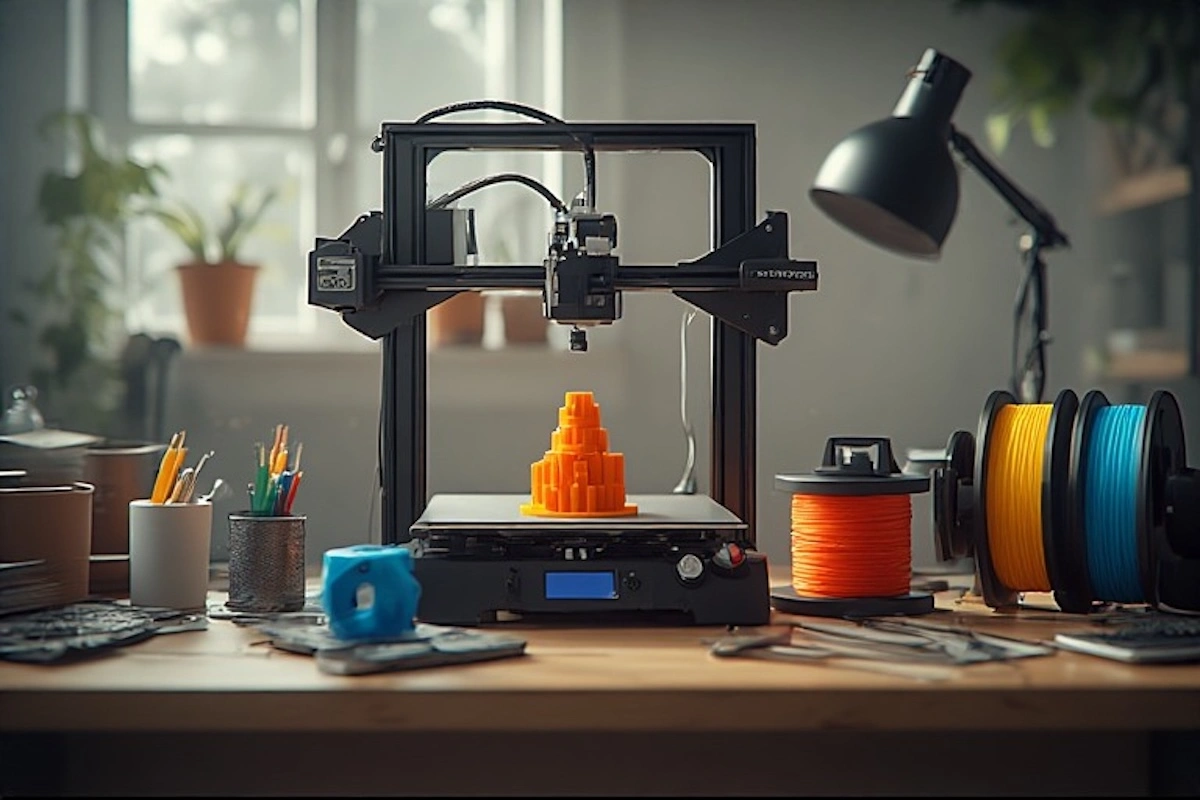
3D printing has rapidly moved from industrial factories into homes, classrooms, and small businesses. What was once considered advanced technology is now accessible to hobbyists, students, creators, and entrepreneurs around the world. As prices fall and usability improves, more people are searching for the best 3D printers for beginners to start their journey.
For first-time users, choosing the wrong machine can be frustrating. Complicated setup, poor print quality, or lack of support often discourages beginners. That’s why entry-level users need easy-to-use, reliable, and affordable 3D printers that deliver consistent results without steep learning curves.
This guide is designed to help beginners confidently choose their first 3D printer, understand what features matter most, and explore the best beginner-friendly models available in this year.
Best 3D Printers for Beginners – Quick Comparison
*Prices and availability may change. Ratings based on ease of use for beginners.
What to Look for in a Beginner 3D Printer
Before buying your first 3D printer, it’s important to understand the features that make a printer beginner-friendly.
Ease of Setup
Some 3D printers arrive fully assembled, while others require partial or full assembly. Beginners should prioritize pre-assembled or semi-assembled printers to reduce setup time and avoid mechanical mistakes.
Print Quality
Print quality is measured by layer height and resolution. For beginners, printers capable of 0.1–0.2 mm layer height are more than sufficient for clean, detailed prints without complex tuning.
Build Volume
Build volume determines how large an object you can print. Smaller printers are great for learning, while larger build volumes allow bigger projects. Beginners should balance space availability with future needs.
Material Compatibility
PLA is the most beginner-friendly filament because it prints easily and safely. Support for PLA, PETG, and ABS gives beginners flexibility as skills improve.
Connectivity and Software
Look for printers that support SD cards or USB connections and work with beginner-friendly slicer software such as Cura or PrusaSlicer. Wi-Fi is a bonus but not required.
Safety Features
Safety matters, especially for home and educational use. Features like auto-shutdown, thermal protection, filament runout detection, and enclosed frames improve safety and reliability.
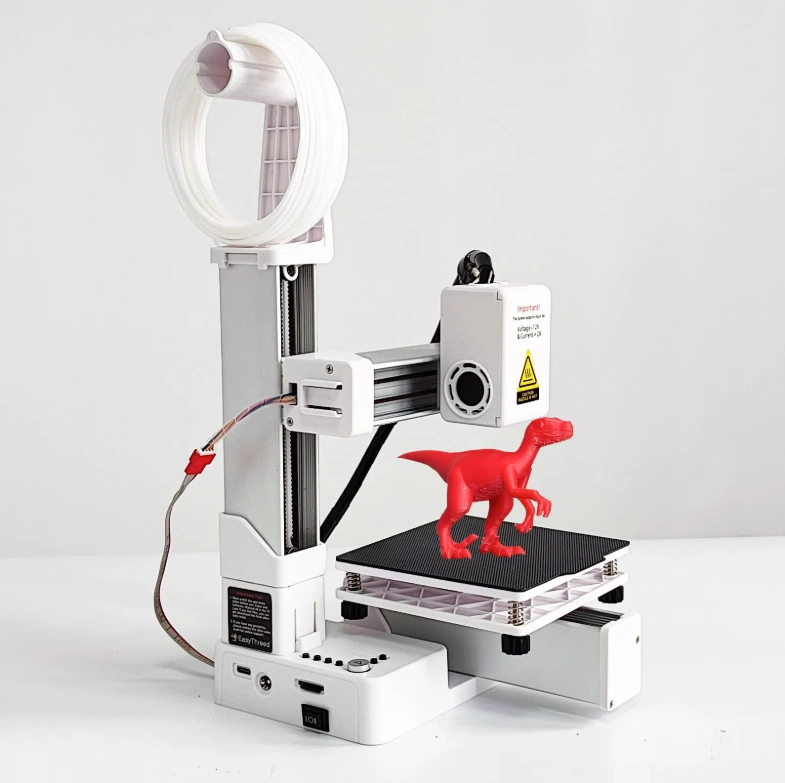
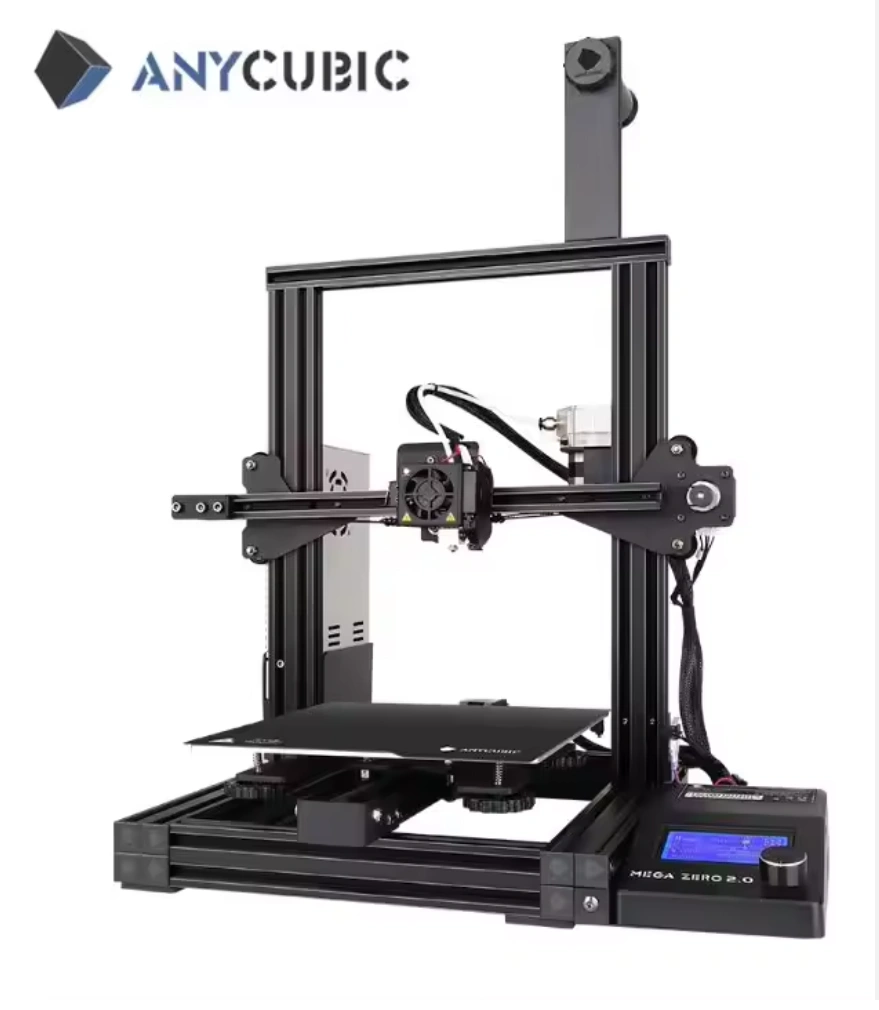
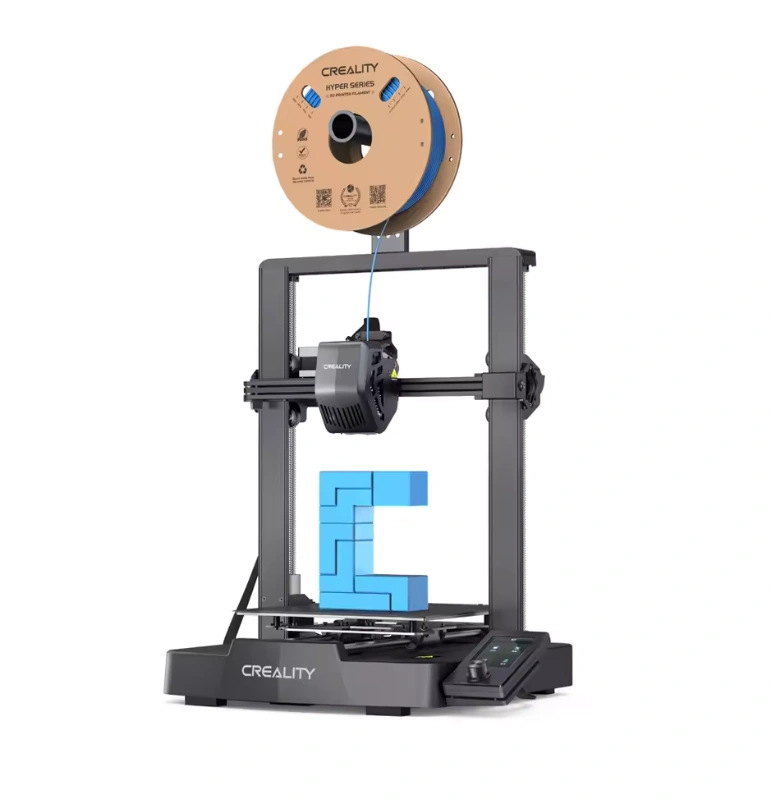
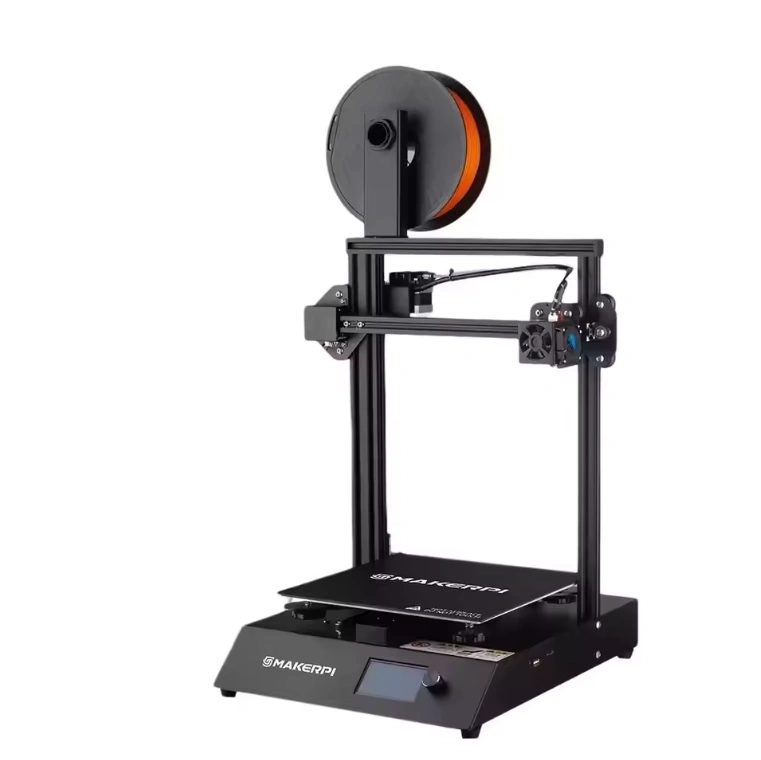
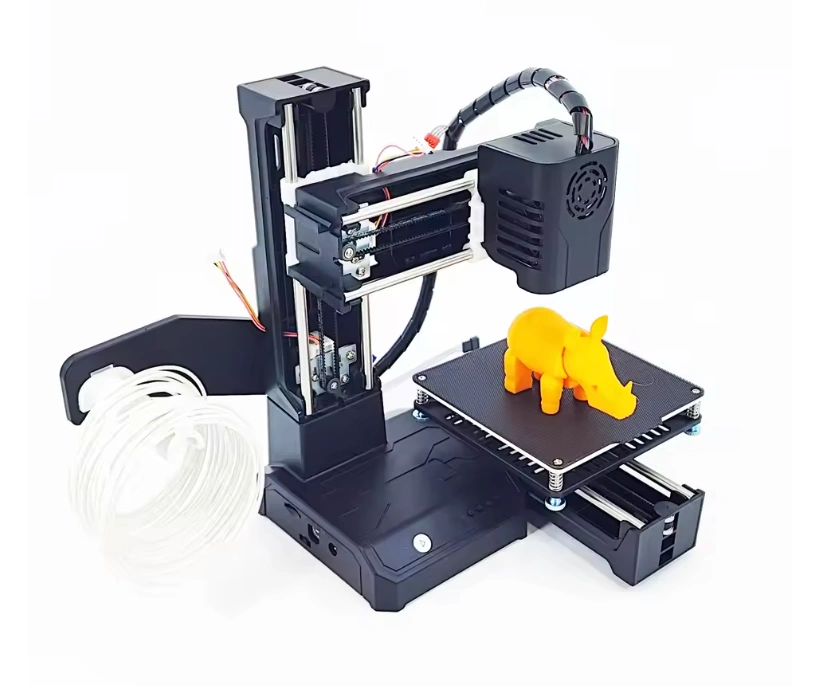
Top 5 Best 3D Printers for Beginners
Tips for Beginner 3D Printing Success
Calibrate Your Printer
Proper bed leveling and nozzle height calibration are essential for successful prints. Take time to calibrate before starting large projects.
Choose Beginner-Friendly Filaments
Start with PLA filament, which is easy to print, environmentally friendly, and forgiving for mistakes.
Avoid Common Mistakes
- Printing too fast
- Ignoring bed adhesion
- Skipping test prints
Safety and Maintenance
Keep your printer clean, ensure proper ventilation, and regularly check belts, screws, and wiring.
Affordable Accessories for Beginners
- Filament storage boxes to prevent moisture damage
- Build surface tapes or glue sticks for better bed adhesion
- Basic tool kits including scrapers, hex keys, and nozzle cleaners
These inexpensive accessories can significantly improve print success and printer lifespan.
Choosing the best 3D printer for beginners is about finding the right balance between ease of use, reliability, and affordability. Starting with a beginner-friendly model allows you to learn the basics without frustration, build confidence, and gradually expand your skills.
Whether you’re printing for fun, education, or small business ideas, starting small and experimenting is the key to success.